
InvestorFuse users (who have appropriate user permissions in your smrtPhone account) can customize settings related to the integration between smrtPhone and the CRM.
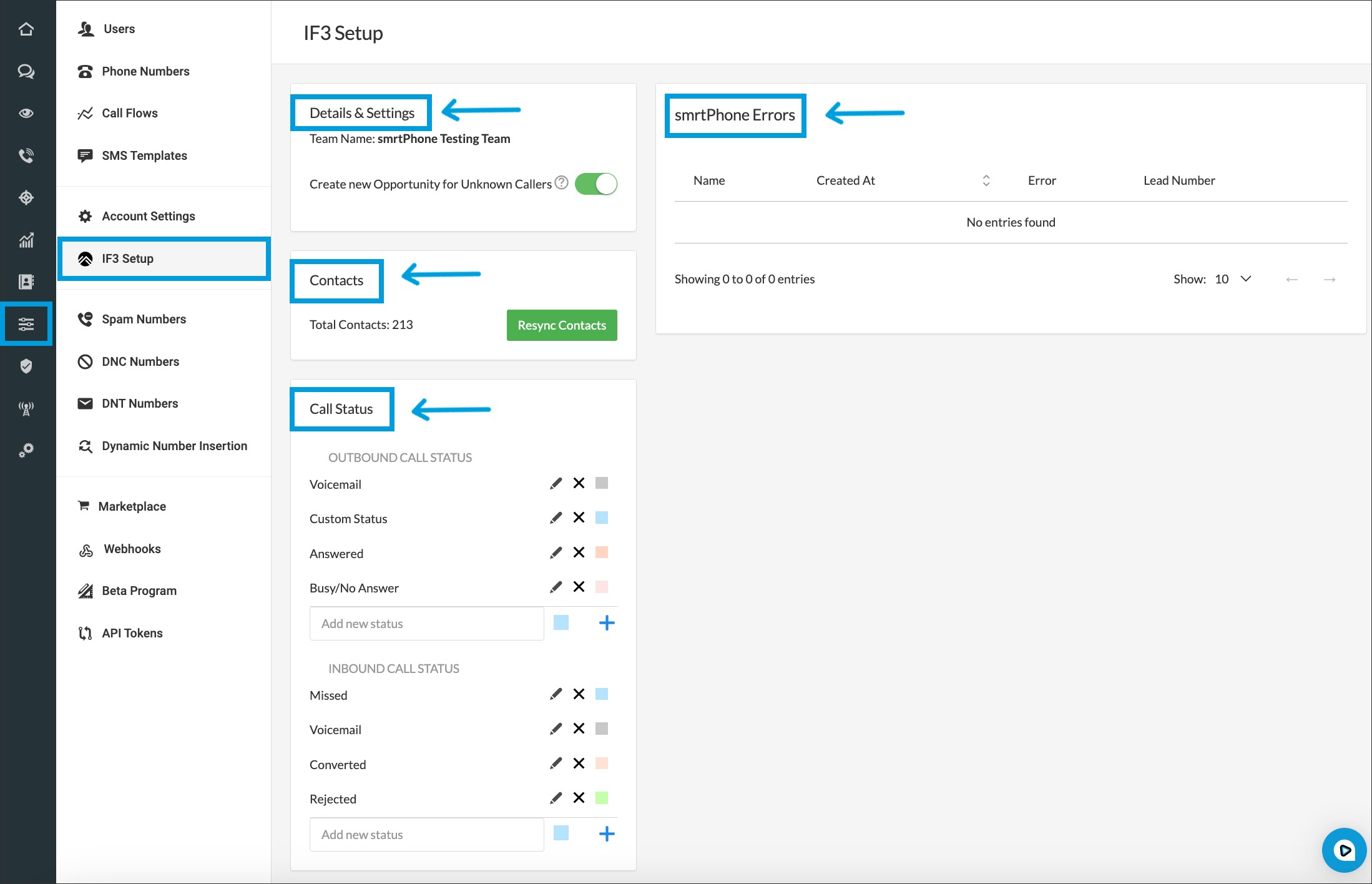
Settings are found on the Dashboard > Admin Tab > InvesorFuse Setup.

Here you can:
-
See the Team inside InvestorFuse associated with this smrtPhone account
-
Decide if you can create new opportunities from unknown calls by toggling on/off
-
See the total number of Contacts synced between the systems
-
Set custom call statuses for smrtPhone
-
View any integration syncing errors
If you have any concerns about InvestorFuse Errors, do not hesitate to contact your Development Team or reach out to our Support Team on Live Chat.
