⇠ How to create a smrtPhone account
To install the smrtPhone CTI Adapter onto your accounts, you need to install the phone system at the account level, activate it for your users, and grant them access.
Install smrtPhone on your Salesforce Account
The first step in the installation process is to click on the smrtPhone Managed Package link - found on our AppExchange listing or below:
🧠 Find the latest version in this article: Release Notes ⇢
Once you click the link, you should be taken to this page. From there, simply log in with your Salesforce account and password.

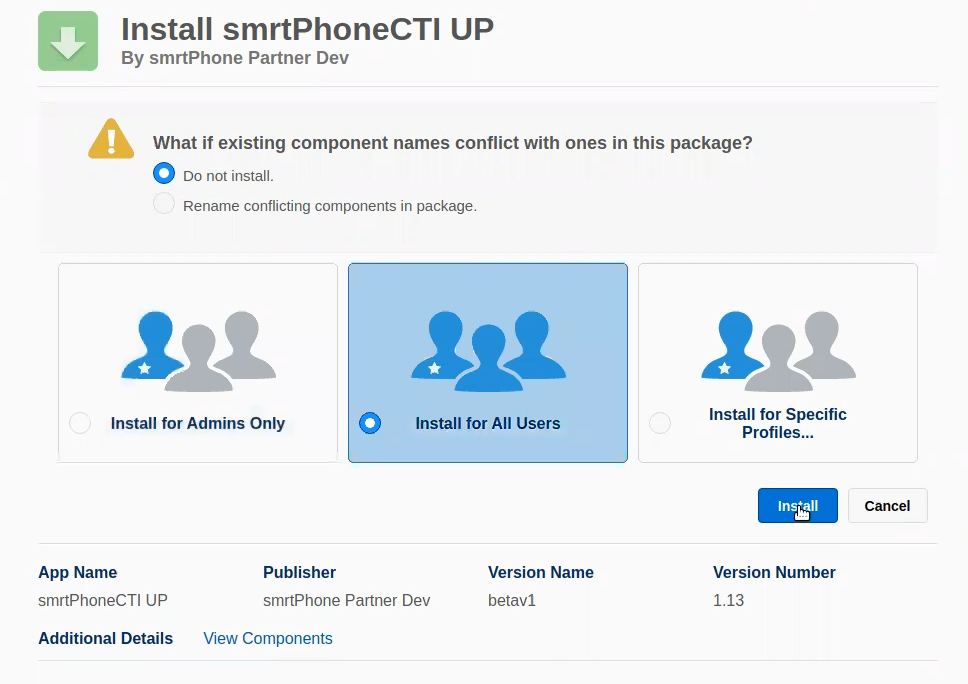
Once you have logged in, you have to install the smrtPhone pack. Here are the installation steps:
-
What if existing component names conflict with ones in this package? For proper configuration, select the Do not install radio button in the first box. This means you avoid any conflicts with existing components.
-
Then, select to install the pack for ALL USERS - the middle option.
-
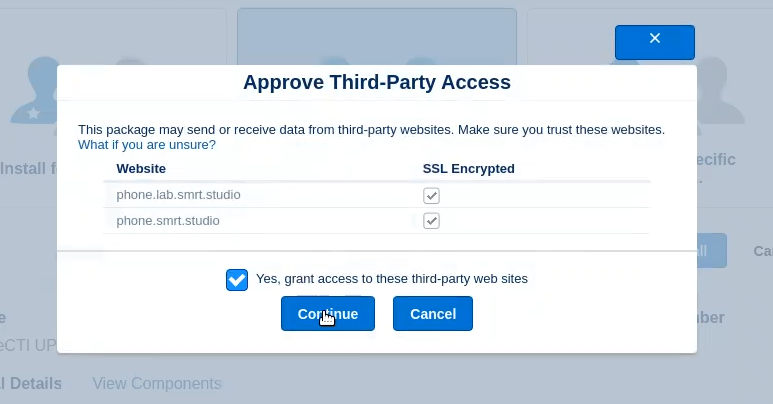
Press Install and then grant all permissions for smrtPhone pack and hit the Done button.