
How to Change your Profile Picture
Personalize your account by uploading a picture to your profile! You can only change your photo via the Web App, but it will be visible across the entire account.
Head to My Account, bottom - left on your smrtPhone Dashboard.
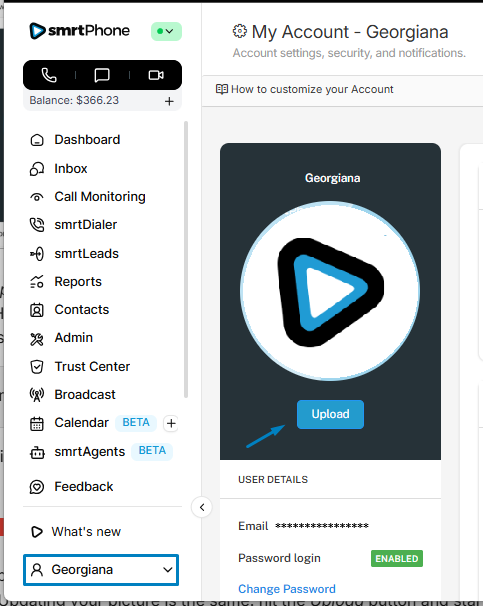
Click on Upload and select a picture from your device to upload to your smrtPhone account. Hit Enter (or Open) and the image is uploaded. A green banner will confirm the successful update.
The format must be .jpeg or .png, and the picture can be a max of 12MB.
If the requirements are not met, you will get an error banner, and the picture will not upload:

If this happens, check the format and the size of the picture you want to upload and try again. Updating your picture is the same: hit the Upload button and start over with a new picture.
